
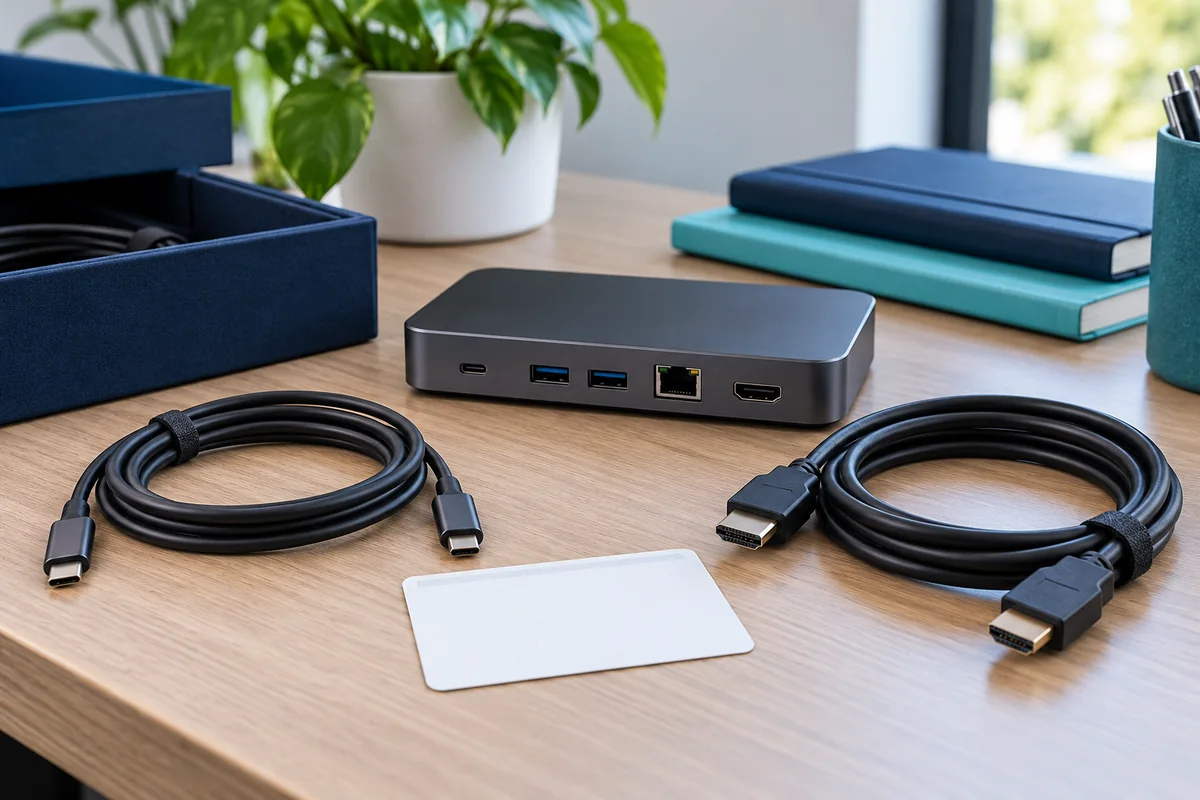
A carefully tested desk can become an untested one when its host cable disappears and someone replaces it with the nearest cable that fits. A small spare-parts process helps preserve the approved arrangement without turning every routine replacement into a new procurement project.
Use this guide alongside the office docking-station plan. It addresses removable desk accessories, not installed network cabling or building electrical work. For wall ports and patch records, use the separate office network documentation guide.
Define a replaceable kit
Record the dock, its power adapter, host cable, monitor connections and any essential adapters as a kit. Where the host cable is attached rather than removable, say so. Add the manufacturer's part identifiers or documented specifications and the supported laptop configurations.
Do not rely solely on a purchasing description such as “USB-C cable.” Keep enough information for a colleague to order the same approved part or request technical review of an alternative. A replacement that changes length, capabilities or adapter combinations should remain a proposed substitute until checked.

USB-IF explains that cables have different capabilities and that cable certification does not add capabilities to the connected products. Use the documented capability required by the desk, not connector appearance alone. Avoid interpreting one power marking as proof of every display or data function you need.
Label for people, not just inventory software
Give the desk and its kit simple identifiers that staff can report. Keep labels legible, placed where they do not obstruct ventilation, connectors or manufacturer information. Avoid putting credentials, internal network details or personal employee information on exposed labels.
The employee-facing label can say which cable connects to the laptop and how to report a missing or damaged part. The technical record should contain deeper specifications. Those two documents have different audiences; a desk user should not need to interpret a page of protocol terminology to ask for help.
Suggested kit record
- Desk or kit ID and supported laptop group
- Dock and power-supply model or part number
- Host cable identity and approved replacement reference
- Display cable and adapter arrangement
- Spare location, responsible owner and last verification date
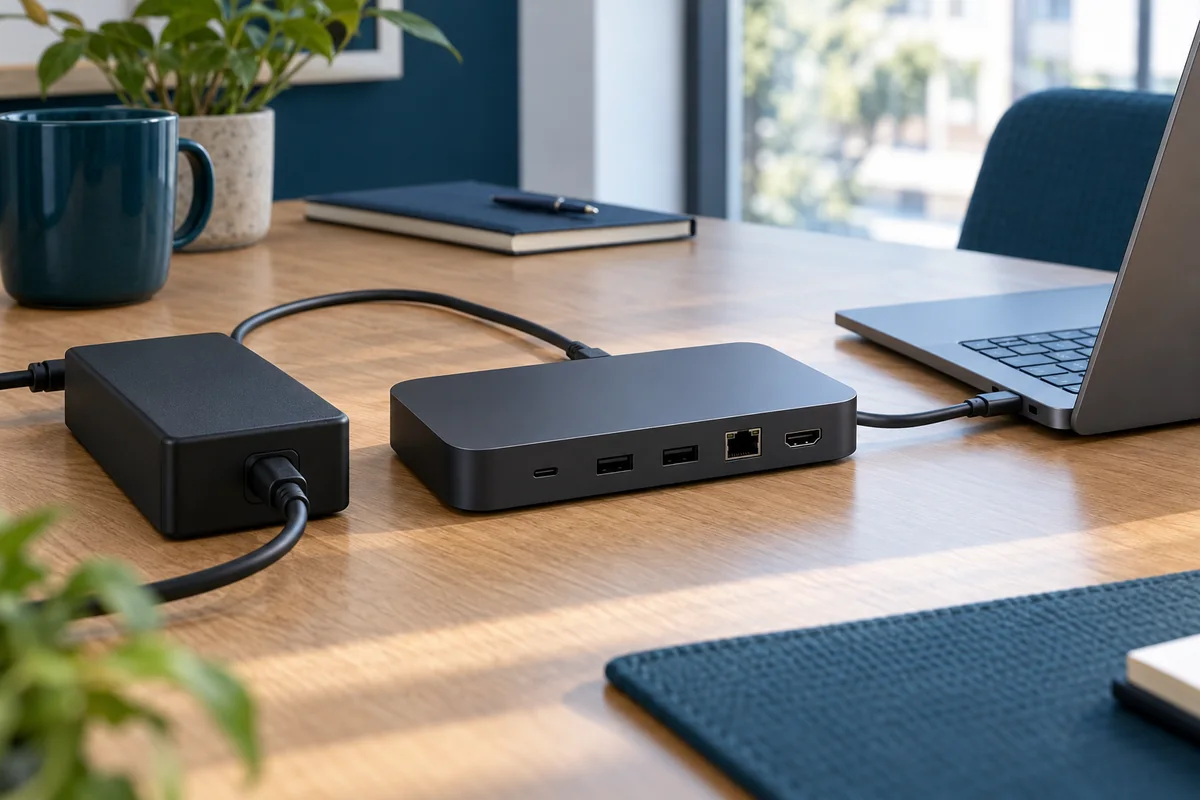
Choose spares from actual dependencies
Start with the components whose absence prevents the desk from being used and whose replacement is practical for your support team. Decide quantities from the number of desks, supplier lead times and acceptable interruption, rather than applying an unsupported universal percentage.
Keep approved spares distinguishable from untested leftovers. A box of miscellaneous adapters may be useful to a technician, but it should not be presented as a ready-to-use replacement kit for employees. Record whether a spare is ready, awaiting test or removed from service.
Make substitutions traceable
When support replaces an accessory, record the old and new identifiers, date, reason and relevant retest. Keep the result small enough to maintain: a short ticket linked to the desk record may be sufficient. The objective is to explain the current configuration, not to create a second paperwork system.
If an alternative part fixes a symptom, repeat the power, display or peripheral checks that the change could affect. Do not assume that restoring one missing screen proves the new cable supports every other required function.

Set boundaries for user replacements
Decide which actions staff may perform and which need support. A user might be allowed to reconnect the designated host cable, while power-supply changes or software installation remain with IT. State the boundary in ordinary language and provide a working help route.
Microsoft's USB-C troubleshooting guidance describes compatibility limitations involving ports, devices and cables. Use it as a reference for the technician's review, not as permission for staff to bypass a device warning or security policy.
Remove visibly damaged accessories from ordinary use through the organization's approved process. Do not repair or modify connectors as part of the spare-kit routine. Follow manufacturer instructions for handling and replacement, and have facilities address unsafe cable routes or electrical concerns.

Spare-kit readiness checklist
- The supported configuration is identifiable without guessing.
- Replacement references include the necessary capabilities.
- Ready spares are separated from untested or damaged items.
- Substitutions receive an appropriate functional retest.
- Staff know what they may reconnect and when to call support.
Review the kit when new laptop models arrive or a supplier discontinues a part. Carry that review into the desk pilot and release process so the next purchase preserves the business requirement rather than merely resembling the old accessory.
Editorial review: October 21, 2026. Check current manufacturer documentation for your exact equipment. The operational checklists are proposed planning aids, not a certification or compatibility guarantee.