

A docking-station pilot should answer a purchase decision: can the proposed desk setup support the people and work it is intended for? It should produce a bounded result that another administrator can understand, including what was not tested and which exceptions remain.
This is the release stage of the office docking-station plan. It is not a product benchmark or a promise that a pilot eliminates every future issue. The useful outcome is evidence for a specific configuration and a clear decision about the next deployment step.
Select representative configurations
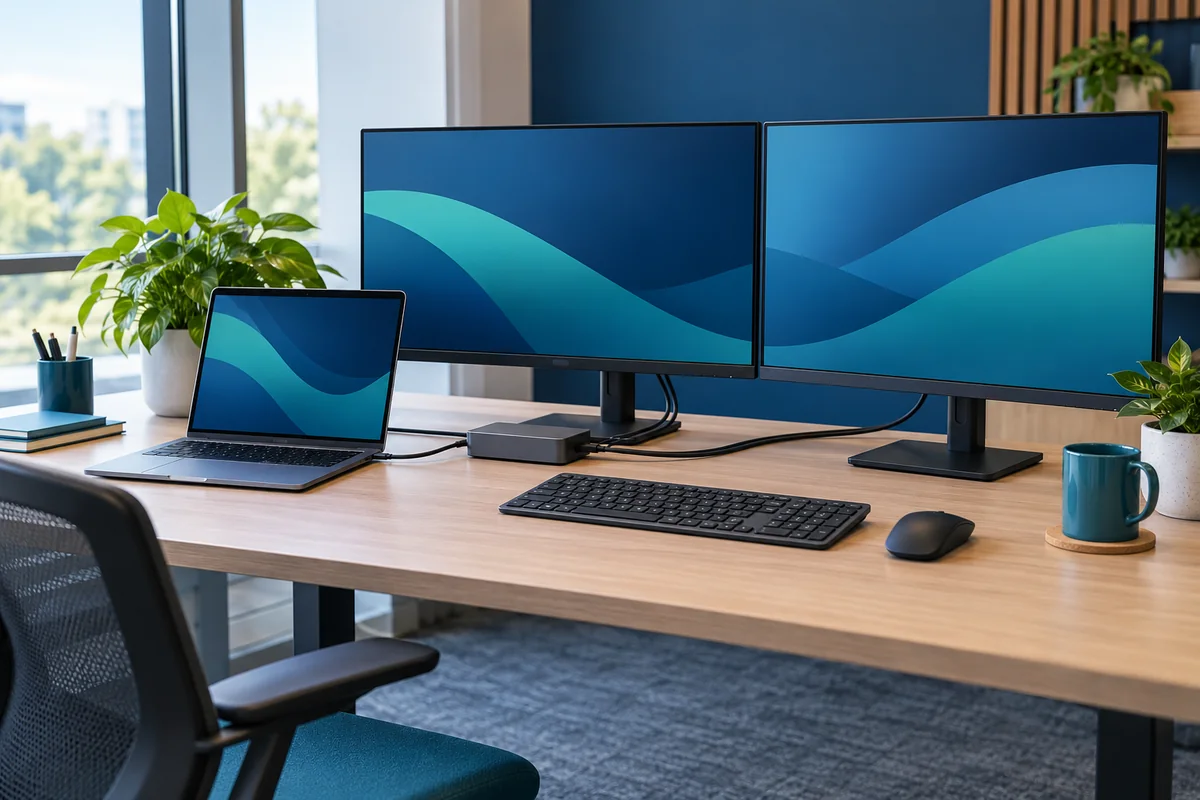
Choose laptop configurations and user tasks that reflect the actual rollout. Include materially different host models, operating systems and specialist peripheral requirements. Do not use only the newest laptop or an administrator's unrestricted machine if ordinary staff work under different conditions.
List exclusions before testing. If visitor devices, an older laptop model or a specialist application are outside the pilot, say so. The project owner can then decide whether to expand the test, provide a separate arrangement or limit the rollout audience.
Write acceptance criteria before the trial
Use the requirements agreed with the department owner. Define expected displays, working power, required peripherals and normal reconnect behavior. Keep each criterion independently passable so a charging issue cannot disappear inside an overall “looks good” result.
Dell's model-specific docking guidance is a starting reference for checking an actual Dell combination. Use equivalent official guidance for other equipment. Vendor compatibility information and your observed business-workflow result should be recorded as different forms of evidence.
A practical result sheet contains the configuration ID, test date, tester, expected outcome, observed outcome and decision. Use passed, failed and not tested, with a separate field for an explicitly accepted limitation. Avoid using “passed with issues” when the issue prevents a required task.
Run the workstreams separately
- Complete the laptop power review.
- Confirm the display configuration.
- Exercise the required peripheral workflows.
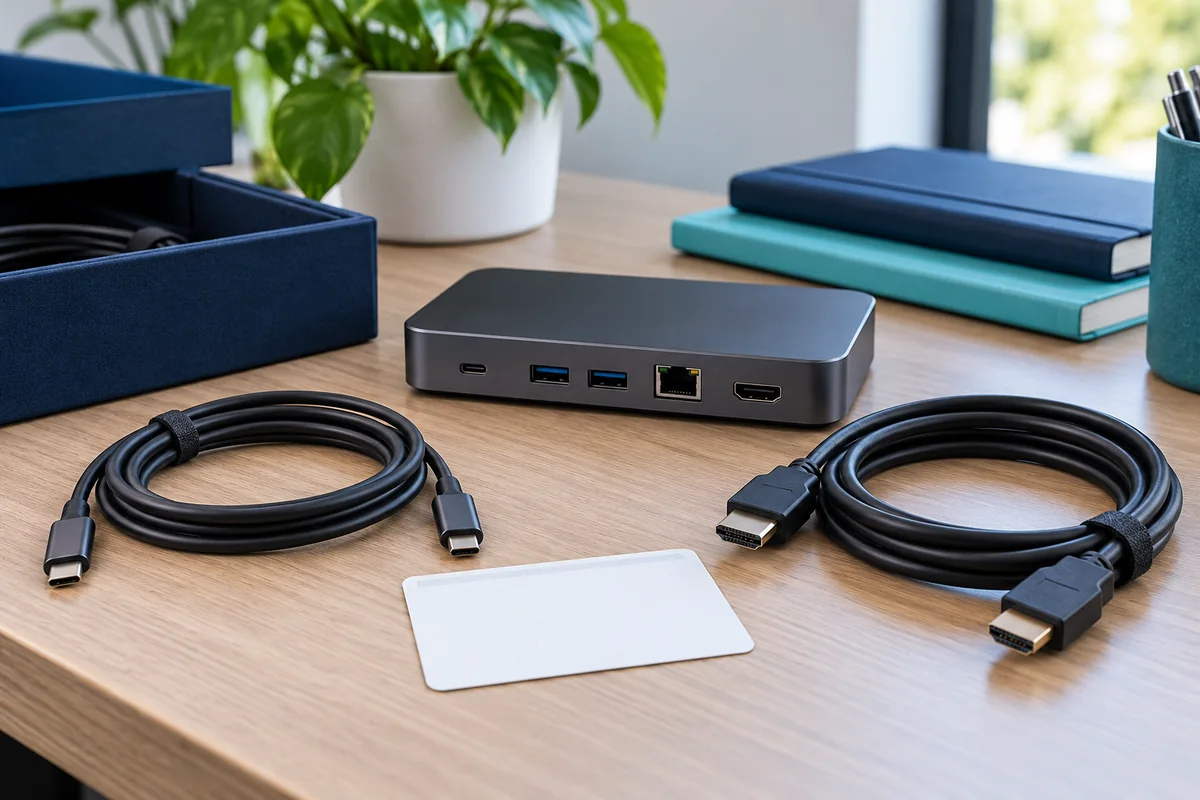
- Check an approved replacement cable or spare kit.
- Ask a representative employee to follow the short desk instruction without coaching.
Include ordinary transitions
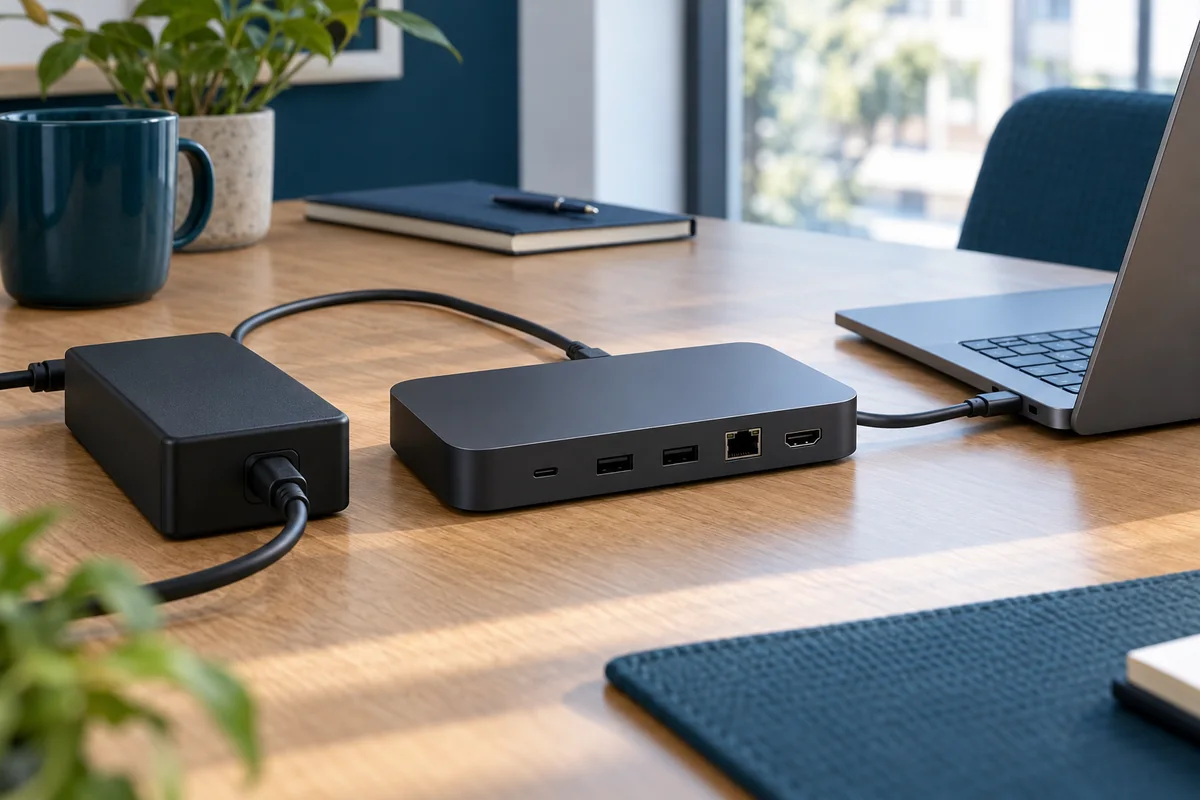
A desk should be tested beyond its first connection. Include the normal events your staff encounter, such as leaving for a meeting, reconnecting later and returning after an approved restart. Record the exact sequence when an intermittent problem occurs rather than repeatedly reconnecting until it disappears.
Microsoft documents Windows behavior and preferences for reconnecting monitors. Check the behavior your users actually receive on the managed configuration. Do not imply that a setting guarantees identical results across all hardware or applications.
If troubleshooting requires updates, use the organization's approved change process and official vendor instructions. Retest the affected configuration afterward and record the changed baseline. Keep the initial result so the team can distinguish a corrected issue from a test that never encountered it.
Make a decision that matches the evidence
Choose among release, limited release, further testing and rejection of the proposed arrangement. State which desks and laptop groups the decision covers. A limited release can be sensible when its boundary is clear and the excluded users retain a workable approved setup.
For a fictional pilot, suppose one laptop type passes all required tasks and another cannot use the agreed second display. The decision might release the first type only while the second remains on hold. It should not report the entire office as ready, and it should not declare the second laptop defective without technical evidence.
Assign each unresolved item an owner and a next action. Keep purchasing approval separate from technical acceptance if your organization uses different approvers. A successful trial does not itself authorize an order, a software license or an expansion of administrative permissions.
Hand over before scaling up
Give support the configuration register, test results, known limitations, spare references and escalation route. Give staff the short connection instruction. Ask an authorized colleague who did not run the pilot to identify the supported laptop group and locate the correct replacement reference.

Rollout decision checklist
- Required configurations and exclusions are visible.
- Each acceptance criterion has an evidence-backed result.
- Changed hardware or software was retested where necessary.
- Open exceptions have an owner and an approved fallback.
- Support and employee instructions match the released configuration.
After the first deployment group, review actual support requests before expanding. Use recurring symptoms to improve the desk standard, without inventing time savings or treating the absence of tickets as proof that every employee has tested every function.
Editorial review: October 21, 2026. Check current manufacturer documentation for your exact equipment. The operational checklists are proposed planning aids, not a certification or compatibility guarantee.